Digital Menu
Digital Menu
“Digital menu” covers five genuinely different things, and picking the wrong one is expensive in ways that only show up months later. A menu on a TV above the counter, a PDF linked from your website, and a hosted page behind a QR code solve different problems and fail in different ways.
This page compares all five, including the two we do not sell. If digital signage is what your room needs, you should buy digital signage.
150+ restaurants, cafés and bars on Web Gerek
The Five Formats, and What Each One Is Actually For
The word “digital” is doing too much work in this category. A restaurant asking for a digital menu might be trying to stop reprinting, might be trying to fill a blank wall behind the register, and might be trying to get their menu to show up on Google. Those are three different purchases.
Below is every format in common use, what it genuinely does well, and the failure mode you should expect. Two of these are not products we sell, and the comparison is more useful for saying so.
| Format | Best for | Fails at |
|---|---|---|
| PDF on your website | Reusing an existing print file at zero extra cost | Phones. Fixed page geometry means pinch-and-zoom, and screen readers get little or nothing |
| Image of the menu (JPG/PNG) | Posting to social feeds | Everything else. Text in an image is invisible to search engines and assistive technology alike |
| Digital signage / TV menu board | Counter service where guests order facing a wall | Table service. Nobody reads a wall from a booth, and screens plus mounts plus a player is real capital |
| Native mobile app | Chains with a loyalty programme worth downloading for | One-time guests. Nobody installs an app to read a menu once |
| Hosted web menu behind a QR code | Table service, and anything that needs to be found on Google | Rooms with no cell signal. Requires the guest’s phone to reach the internet |
The first two are the same file in two containers, and they are what most restaurants already have. They are also the two most often cited in US website-accessibility complaints, which is a separate page.
A Hosted Web Menu, on a Real Phone
This is the fifth format below — a live page sized for a phone, not a document scaled down to fit one.
Newspaper
Open full screen →Kraft
Open full screen →Why a PDF Is the Tempting Wrong Answer
Almost every restaurant already owns a print-ready PDF. Uploading it and pointing a QR code at it takes ten minutes and costs nothing, which is exactly why so many venues do it and why so many regret it.
A PDF has a fixed page geometry. It was laid out for a sheet of paper, usually letter or tabloid, and a phone screen is neither. The browser scales the whole page down until the text is unreadable, and the guest pinches and drags around a document instead of reading a menu. Every price check becomes a small navigation task performed one-handed, in low light, at a table.
The second problem is that a PDF is opaque to everything that is not a human with good eyesight. Search engines extract very little useful structure from one, so your dishes never appear in a local search. Screen readers fare worse still, and PDF menus are among the most frequently cited items in US restaurant website accessibility complaints.
The third is operational. Changing one price means opening the design file, re-exporting, re-uploading, and hoping the old copy is not cached somewhere. In practice, it means the PDF goes stale, which is the exact problem the venue was trying to solve.
A hosted web menu inverts all three. It reflows to the screen it is on, it is real HTML text that a crawler and a screen reader can both read, and changing a price is typing a new number.
The Format That Also Works as a Local Search Asset
Only one of the five formats is a web page in the sense search engines care about, and that has a consequence most restaurants have never been told: your menu can be an indexable document that ranks for what you serve, in the neighborhood you serve it.
Google’s Business Profile has a dedicated menu link field — you add it under Edit profile, Business information, then the Menu link. That field takes a URL. Point it at a real page and you have connected the thing people search for to the thing you actually publish.
A hosted Web Gerek menu is a normal web page with its own address, real headings, and real text. Every plan, free included, ships an SEO sitemap and IndexNow pings so a price change gets recrawled quickly instead of waiting a month. Your address, opening hours and phone number sit on the menu itself.
This is the part that separates a menu from a document. A PDF is a copy of your menu. A hosted page is your menu, at an address, that other things on the internet can point at.
Your menu gets a real URL
One address you can put on the Business Profile, in an Instagram bio, on a delivery listing and on a printed card — all pointing at the same live page.
Dish names become text, not pixels
Real headings and paragraphs, which is the difference between being findable and being a picture of a menu.
Changes get recrawled, not forgotten
IndexNow tells search engines the page moved the moment you publish, rather than waiting for the next natural crawl.
One page, four languages
Language variants live under the same menu instead of forcing you to maintain separate documents that drift apart.
Designs
11 QR Menu Designs
All of them are included on the free plan. Switch designs later in one click — your categories, items and photos carry over untouched.
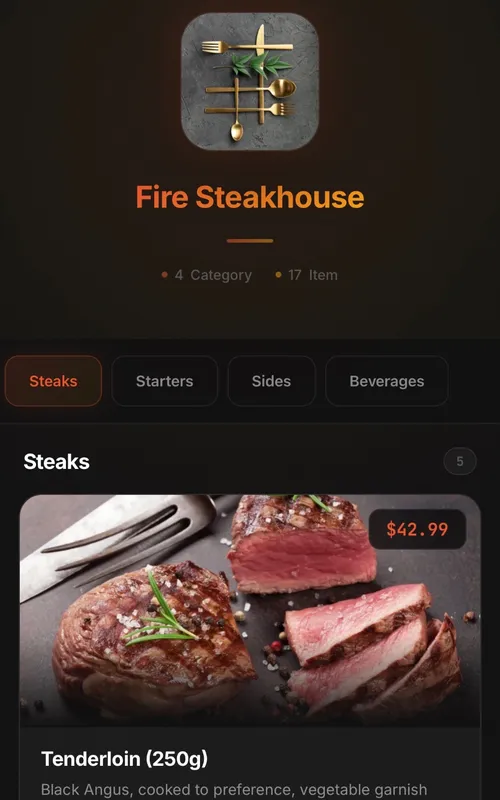
Classic
Digital QR menu for restaurants and cafes
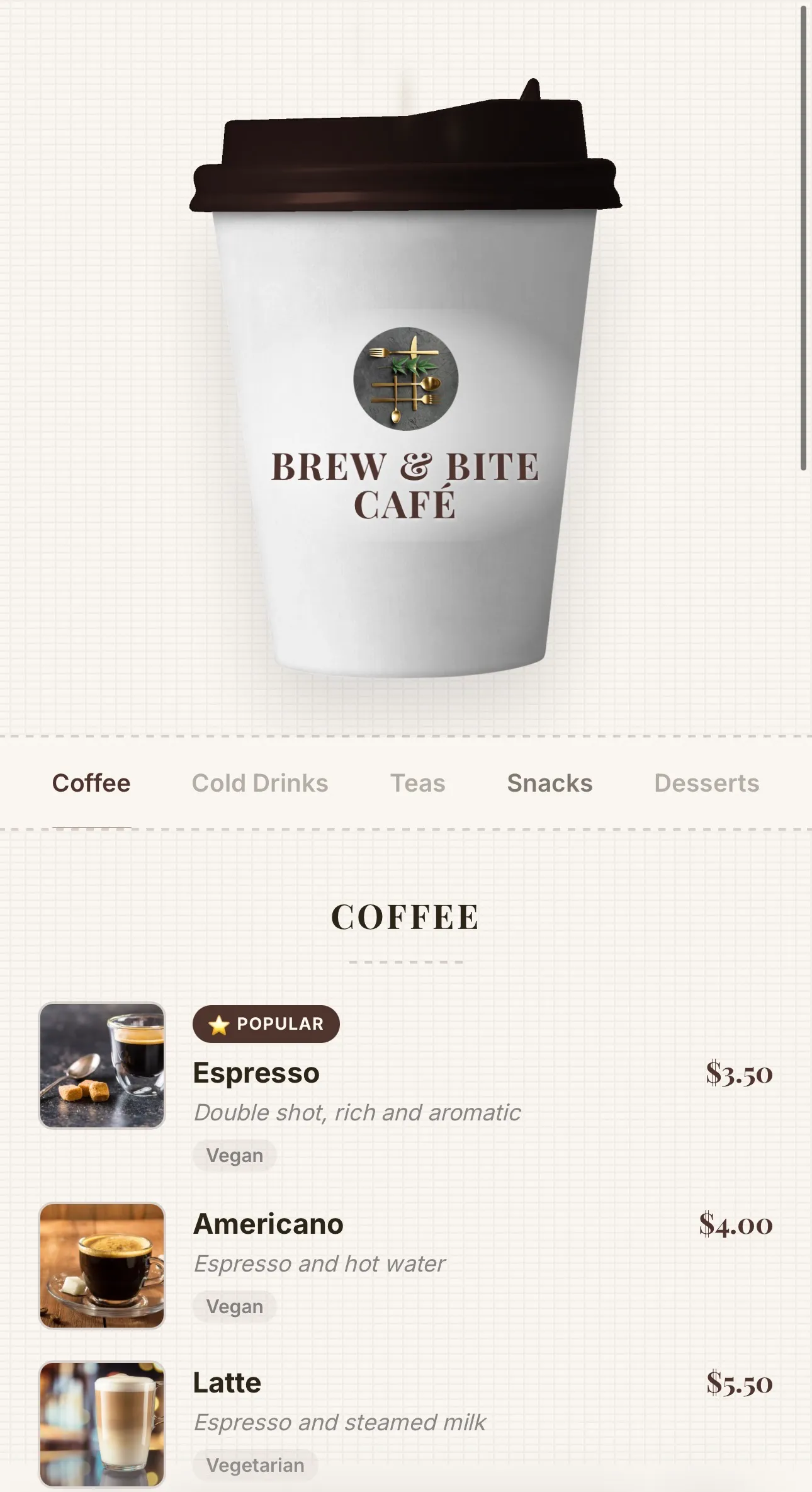
Coffee
Coffee-cup menu for cafés — lid recolours to your theme, café name printed on the cup, and rising steam
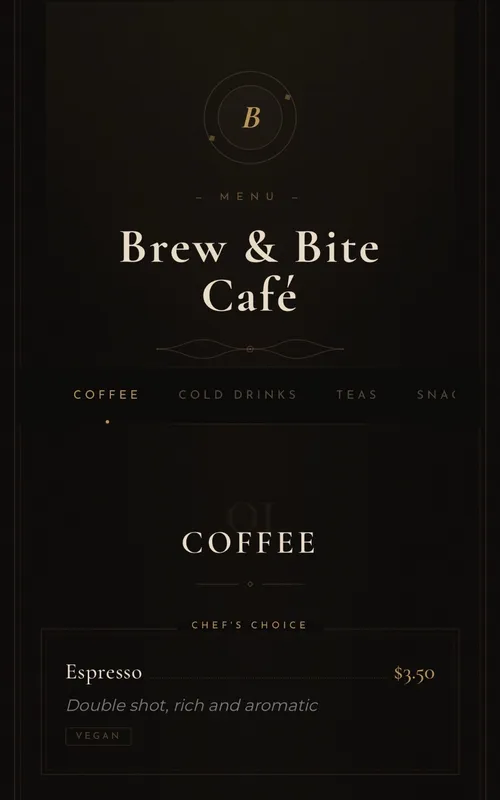
Luxury
Elegant typography-based menu for fine-dining restaurants
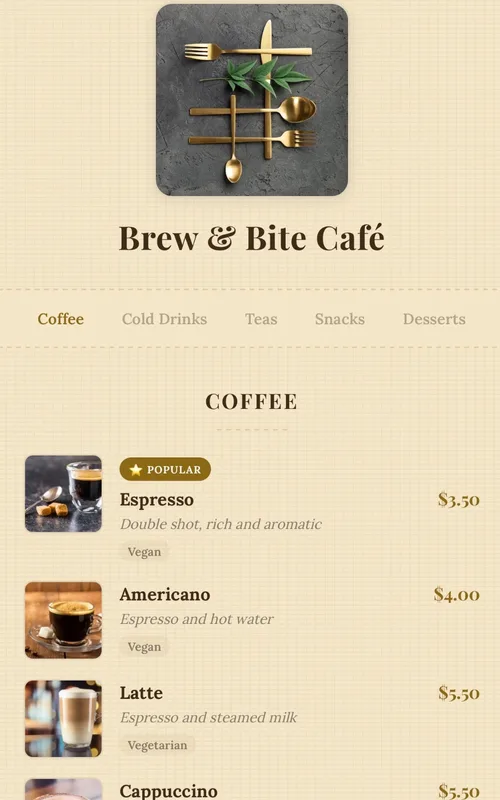
Kraft
Handcrafted paper-textured artisan menu — warm tones, serif typography and dotted price leaders
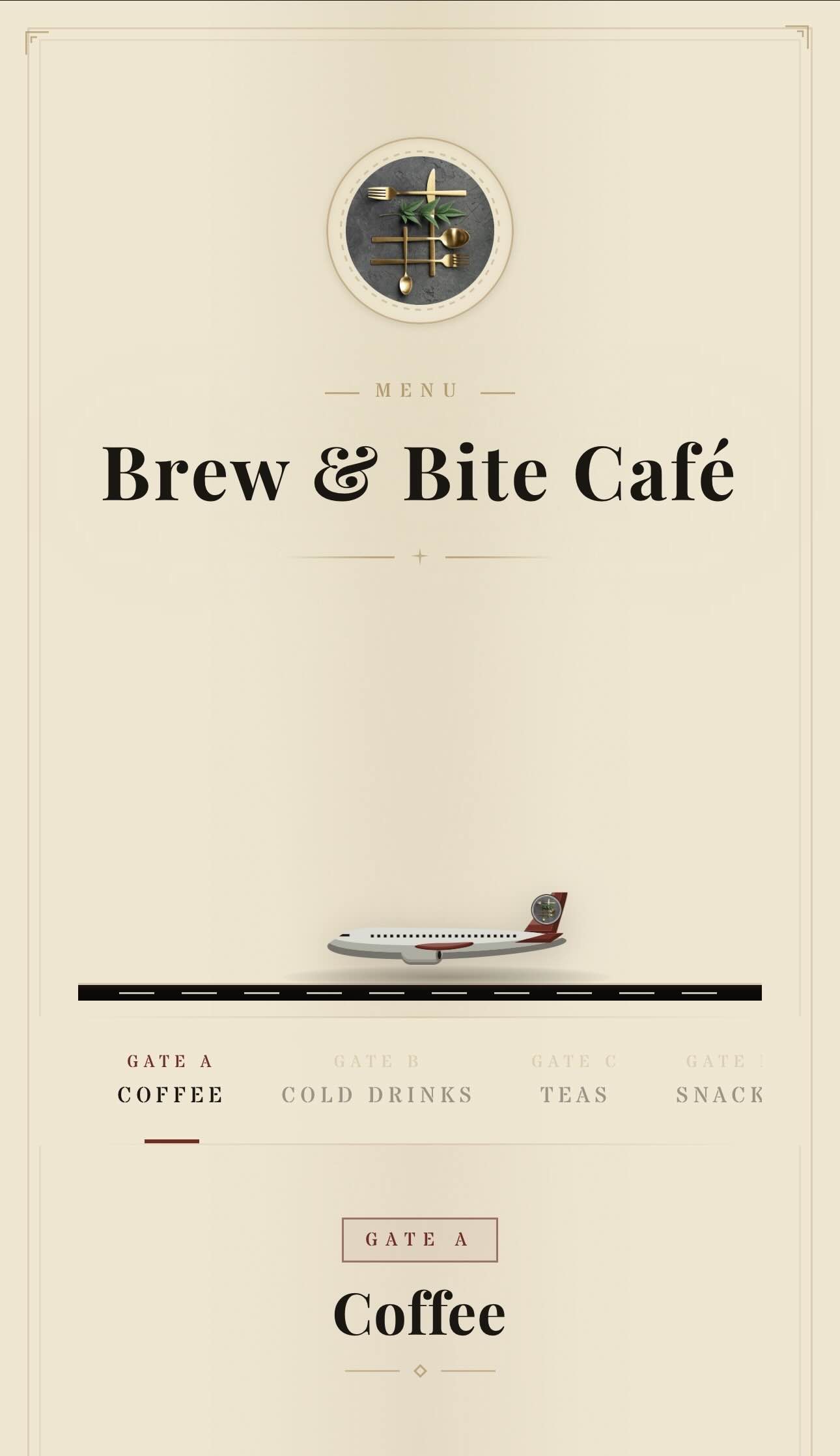
Aviation
Vintage aviation-themed QR menu — animated planes, runway and brass details
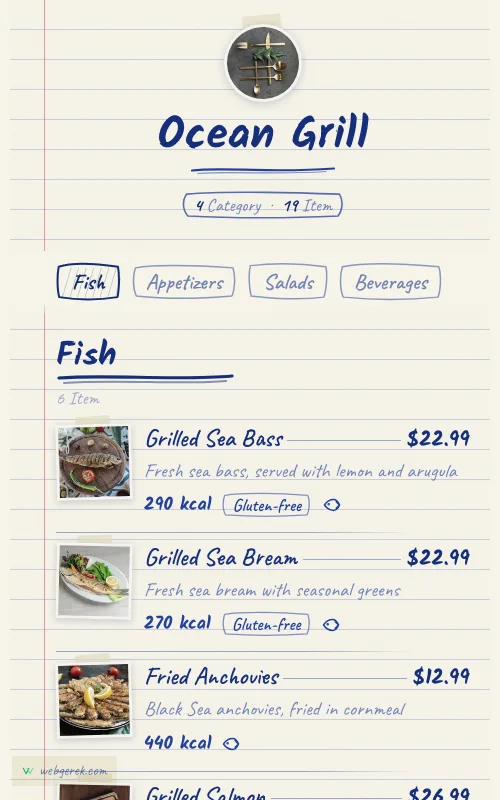
Ballpoint
Handwritten menu in blue biro on ruled notebook paper — course headings in a thicker pen, photos taped to the page
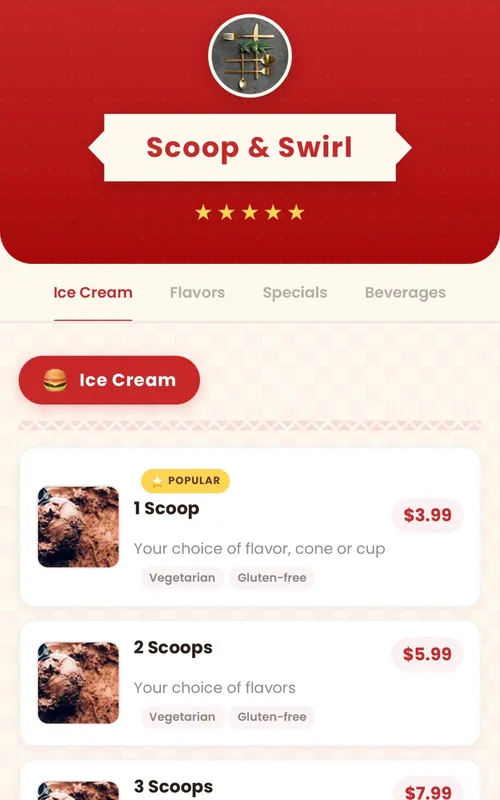
Retro
Fun retro diner-themed digital menu — checkered patterns, ribbon banners and colorful category badges
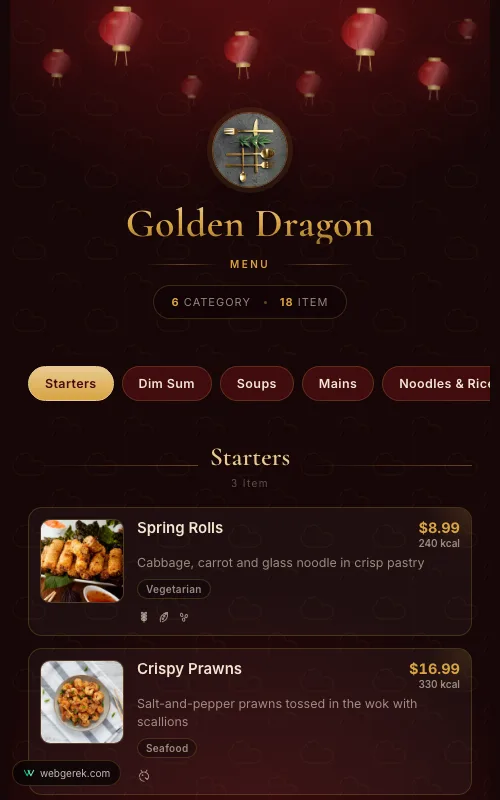
Lantern
Lacquer-red and gold menu under drifting paper lanterns — for Chinese, far-eastern and pan-Asian restaurants
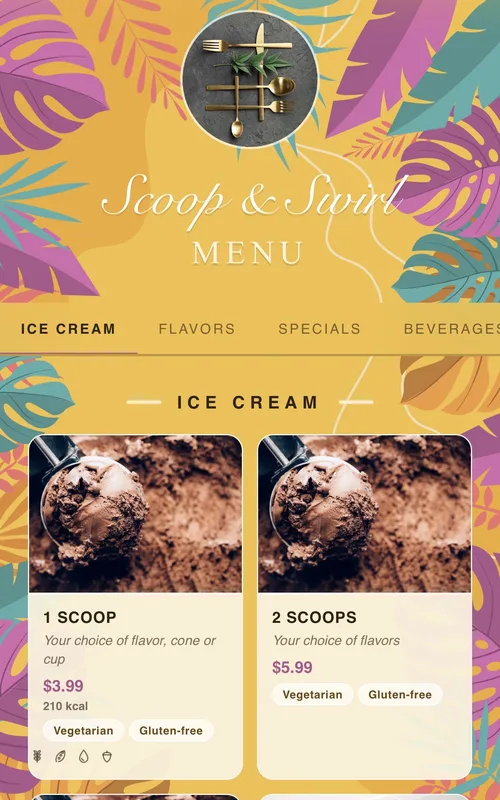
Tropical
Sunny summer-themed menu framed by tropical leaves and flowers — for cocktail bars, beach venues and summer cafés
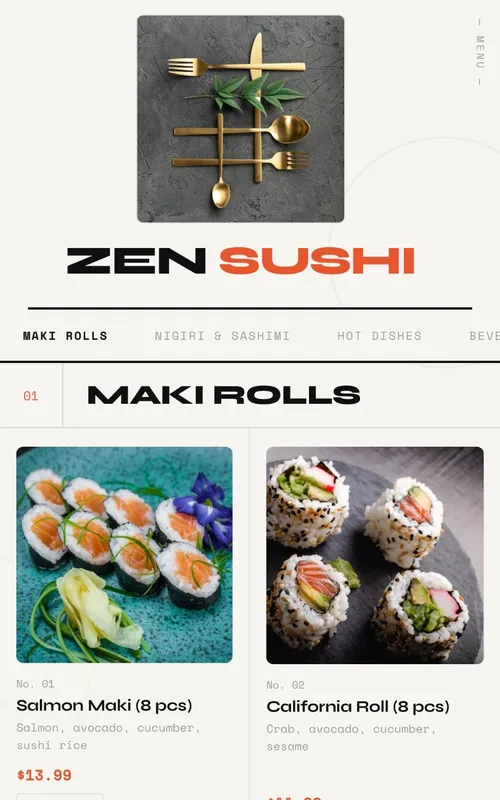
Swiss
Modern menu design with geometric grid layout, bold typography and animations
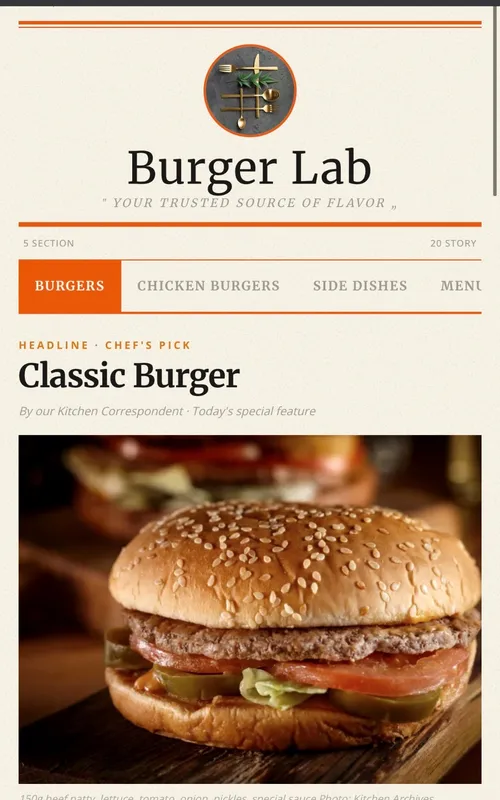
Newspaper
Newspaper-themed creative digital menu — dishes presented as headlines, columns, and news
Frequently Asked Questions
Is a digital menu the same thing as a QR menu?
Can I use a digital menu and keep my printed ones?
Do I need digital signage as well as a QR menu?
Will a digital menu slow down my table turns?
Related Pages
QR Code Menu
The delivery mechanism itself: static vs dynamic codes, sizing, placement.
Accessible Digital Menu
Why PDF menus draw ADA complaints, and what an accessible menu needs.
QR Menu Examples
Nine live designs you can scroll before choosing a format.
QR Menu System
What separates a menu system from a one-off code generator.
Your Menu, Live in 10 Minutes
Start on the free plan. No credit card, and no per-table or per-scan fees.
150+ restaurants, cafés and bars on Web Gerek