QR Code Menu
QR Code Menu
A QR code menu is a printed code on your table that opens your menu in the guest’s phone browser. No app to download, nothing to install. The important part is what the code contains: not your menu, but the address of your menu — which is why the right kind of code never has to be reprinted.
11 designs, four languages, dish photos, and calorie and allergen fields are all on the free plan. No credit card, and we never charge per table or per scan.
150+ restaurants, cafés and bars on Web Gerek
Static vs Dynamic QR Codes — The Only Decision That Really Matters
Every QR code menu is one of two things, and the difference is permanent. A static code has the destination baked into the pattern itself. Change the destination and you change the pattern, which means new codes, new table tents, new print run. A dynamic code stores a short redirect URL instead; the pattern stays identical forever while the page it resolves to is edited freely.
This matters more than any design decision on the page, because it is the difference between a menu you can correct on a Tuesday afternoon and one you are stuck with until the next print run. If you raise the price of a burger by fifty cents and your code is static, you either reprint or serve a wrong price.
Free QR code generators overwhelmingly hand you a static code. That is not deception — a static code costs the generator nothing to serve, because nothing has to stay online for it to keep working. Dynamic codes require somebody to keep a redirect alive indefinitely, which is a running cost, which is why it is almost always the paid tier. Read what you are being given before you print two hundred table cards.
Web Gerek menus are dynamic by construction. The code encodes your menu’s address on our servers; the menu behind it is a live page you edit. Print once, edit for as long as the venue exists.
| Static QR code | Dynamic QR code | |
|---|---|---|
| What the pattern holds | The destination itself | A short redirect you control |
| Change the menu later | Reprint every code | Edit the page; code untouched |
| Fix a wrong price | Next print run | Seconds |
| Works if the vendor disappears | Yes, if it points at a file you own | No — the redirect has to stay alive |
| Usual pricing | Free almost everywhere | Usually the paid tier |
| Right for a menu | Only for a menu that never changes | Yes |
The one genuine advantage of a static code is that it has no dependency. If it points at a PDF on your own domain, it works even if every vendor in this market shuts down. That is worth understanding before you choose — the trade is permanence against editability.
What Your Guests Actually See
Live menus, not screenshots. Scroll them and switch categories the way someone would at your table.
Swiss
Open full screen →Coffee
Open full screen →Where the Code Goes, and How Big to Print It
A QR code that will not scan on the first try is worse than no code at all, because the guest has already committed to trying. Three things decide whether it scans: physical size, contrast, and how far away the phone is.
The practical floor for a code read from arm’s length at a table is about one inch square. Table tents and menu stands sit closer to the guest and can go smaller; a code in a window meant to be read from the sidewalk, or on a food truck service board read from a queue, needs to be considerably larger. The rough rule printers use is that scanning distance is roughly ten times the width of the code, so a one-inch code wants to be within ten inches of the camera.
Contrast is the other half. Dark code on a light background, always — inverted codes fail on a meaningful share of phone cameras. Leave the quiet zone, the empty margin around the pattern, clear of decoration. Do not print a code across a fold, a seam, or a laminate ridge.
On placement: one code per table beats one code per menu, because table cards do not walk out in a coat pocket. Add a second at the host stand for the queue, and if you have a window, put one there — people decide whether to come in from the sidewalk far more often than restaurateurs expect.
Test before you print
Scan the proof with an old phone, not your newest one. Older cameras and cracked screens are the real-world condition.
Print from the download, not a screenshot
Export the high-resolution file. A screenshot of a code on a monitor loses the crispness that makes edge detection reliable.
Say what it is
A bare code gets ignored. Two words — "Scan for menu" — measurably lifts scan rate. Add the same line in Spanish if your neighborhood warrants it.
Do not laminate over a gloss finish
Overhead lighting reflects off gloss straight into the camera. Matte laminate scans; gloss fights you under every pendant lamp in the room.
What a QR Menu Does Not Do
A QR code menu is a viewing surface. The guest reads it and then orders from a server exactly as before. It is not an ordering system, it does not take payment, and it does not talk to your POS. Web Gerek does not do any of those things and we would rather say so on the page than in a support email after you have signed up.
That distinction matters when comparing prices. Order-and-pay platforms charge a percentage of every check or a per-table monthly fee because they are moving money for you. A menu-viewing product has no such justification, which is why per-table pricing on a view-only menu is worth questioning when you see it.
The second thing it does not do is replace a printed price list where one is required. Some jurisdictions require prices to be displayed or available in a specific form; that is a question for your local authority, not for a menu vendor. A QR menu sits alongside whatever your city or state requires, it does not override it.
Designs
11 QR Menu Designs
All of them are included on the free plan. Switch designs later in one click — your categories, items and photos carry over untouched.
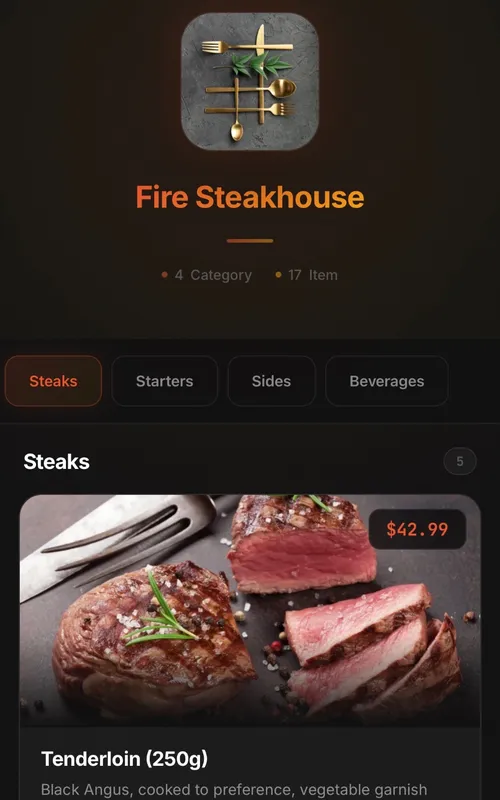
Classic
Digital QR menu for restaurants and cafes
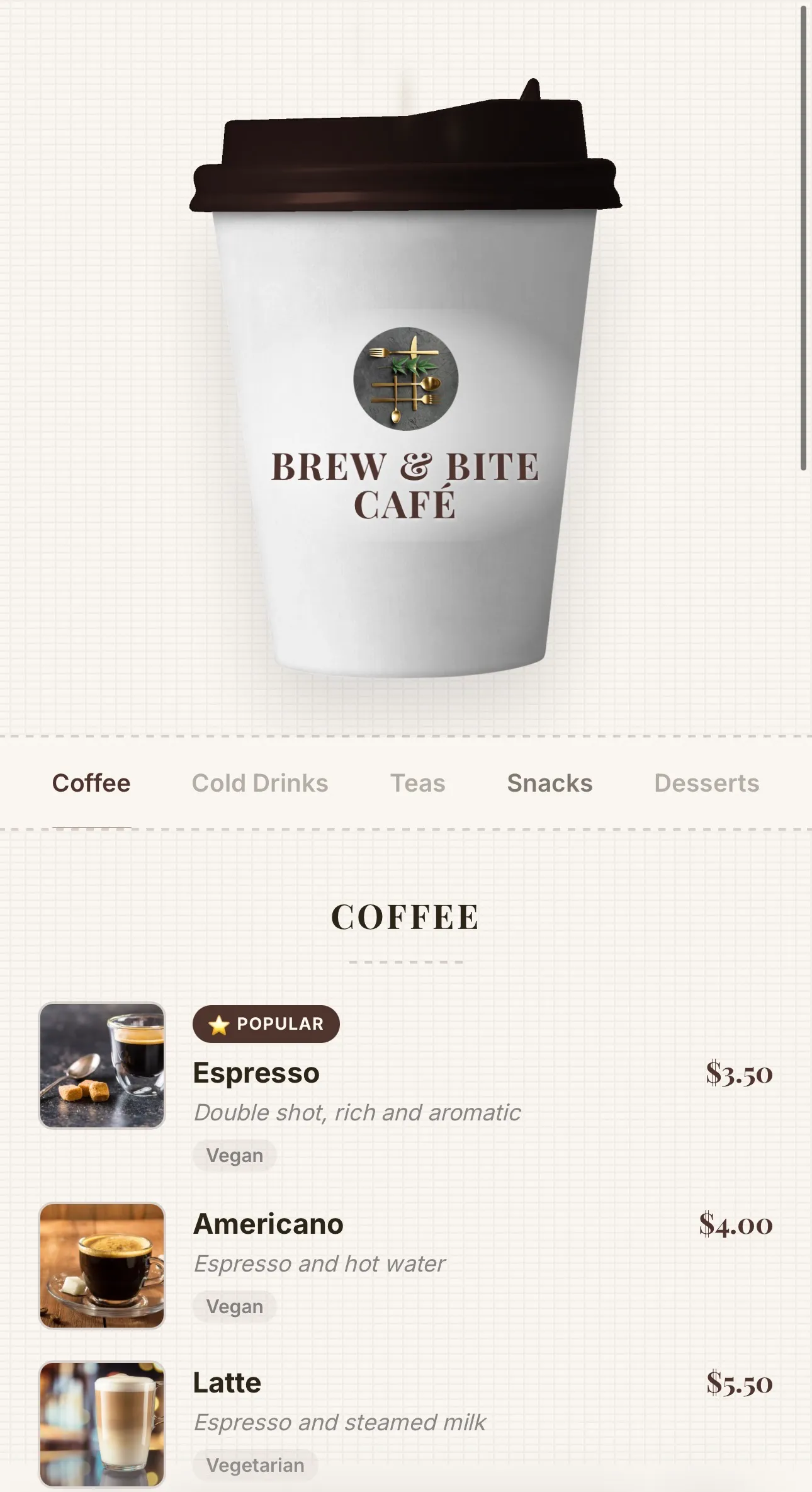
Coffee
Coffee-cup menu for cafés — lid recolours to your theme, café name printed on the cup, and rising steam
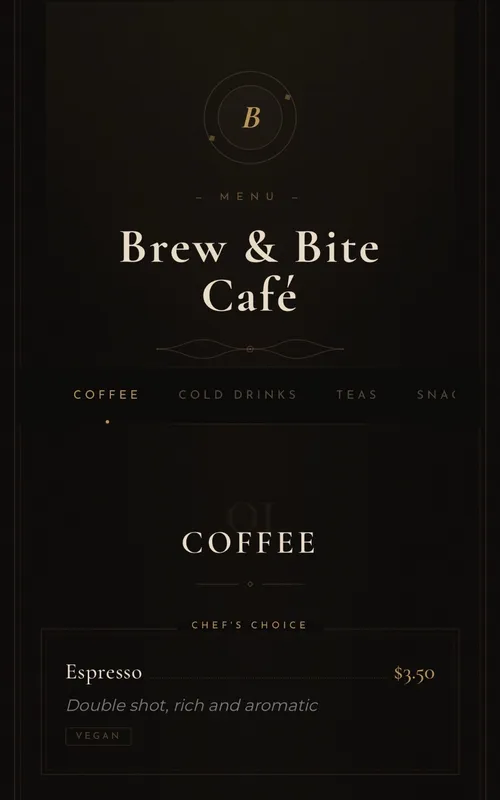
Luxury
Elegant typography-based menu for fine-dining restaurants
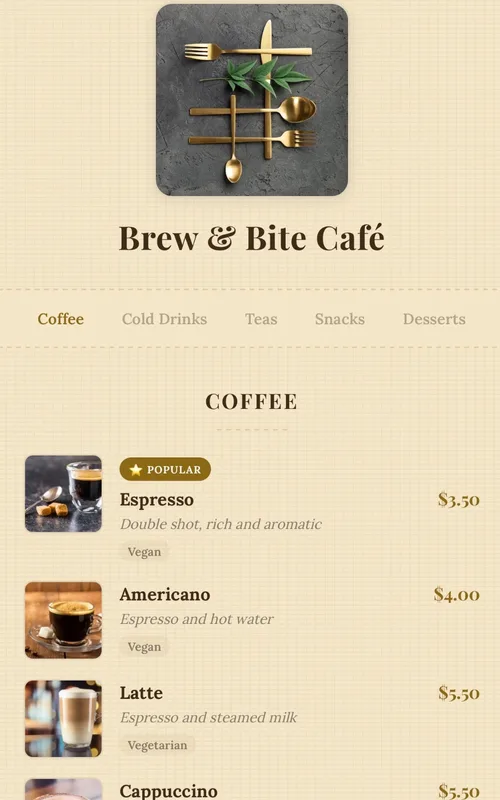
Kraft
Handcrafted paper-textured artisan menu — warm tones, serif typography and dotted price leaders
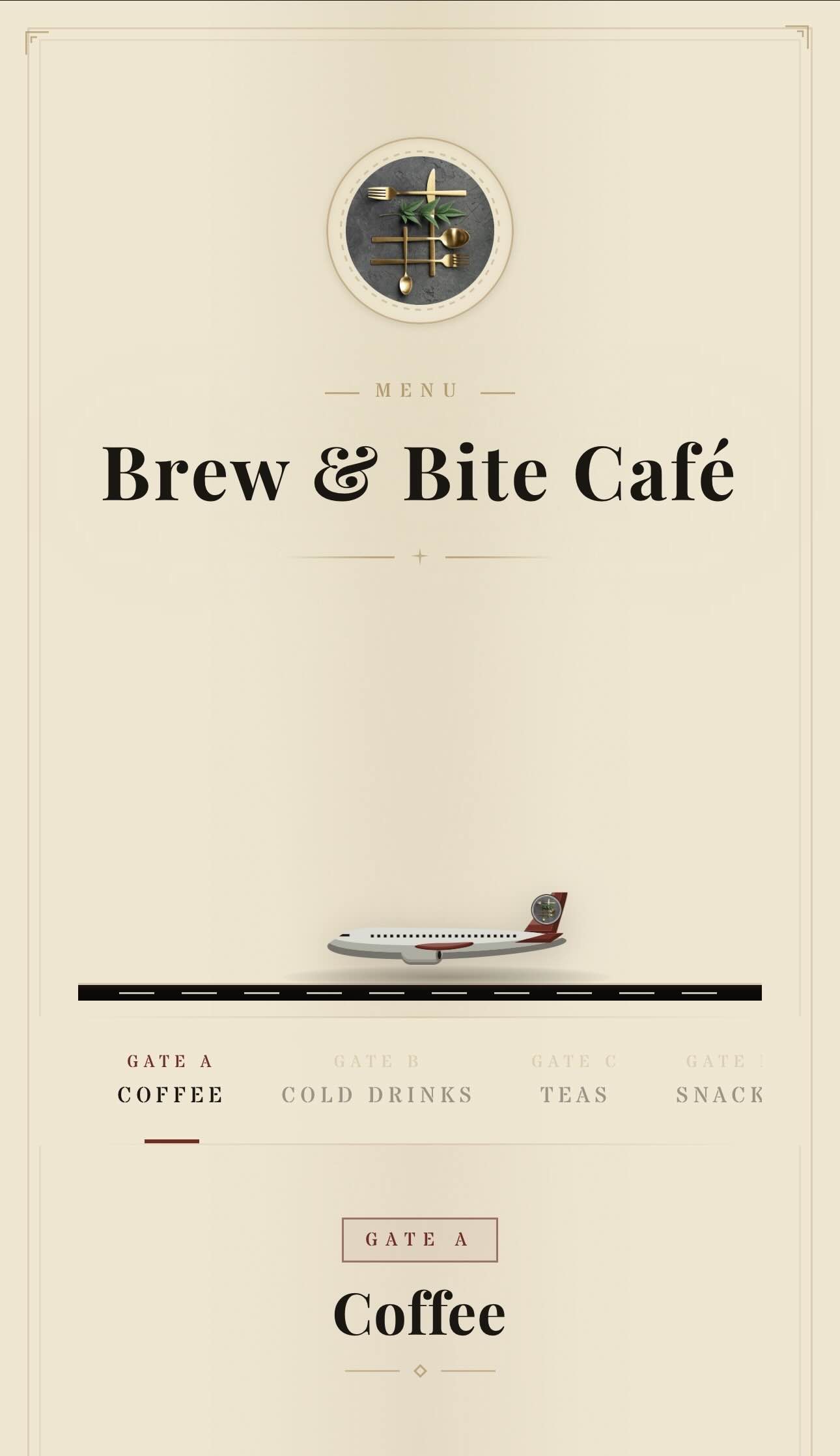
Aviation
Vintage aviation-themed QR menu — animated planes, runway and brass details
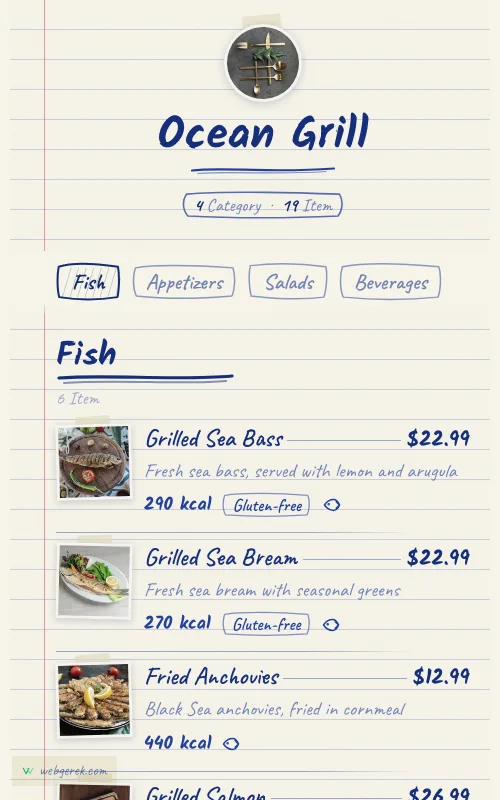
Ballpoint
Handwritten menu in blue biro on ruled notebook paper — course headings in a thicker pen, photos taped to the page
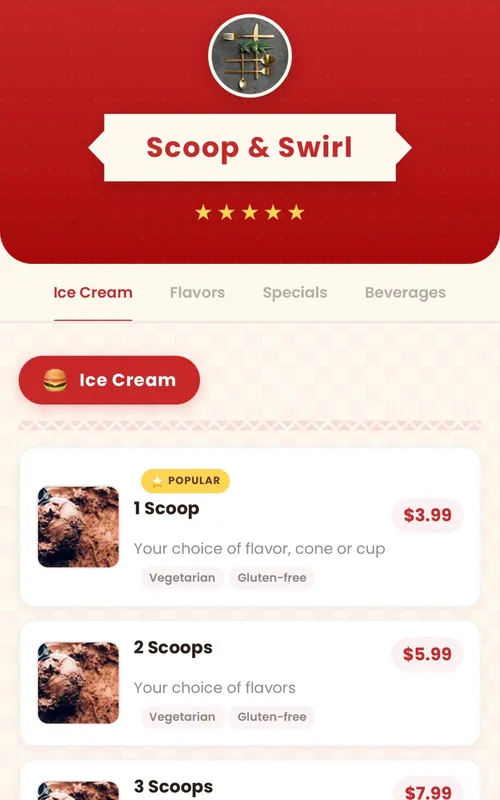
Retro
Fun retro diner-themed digital menu — checkered patterns, ribbon banners and colorful category badges
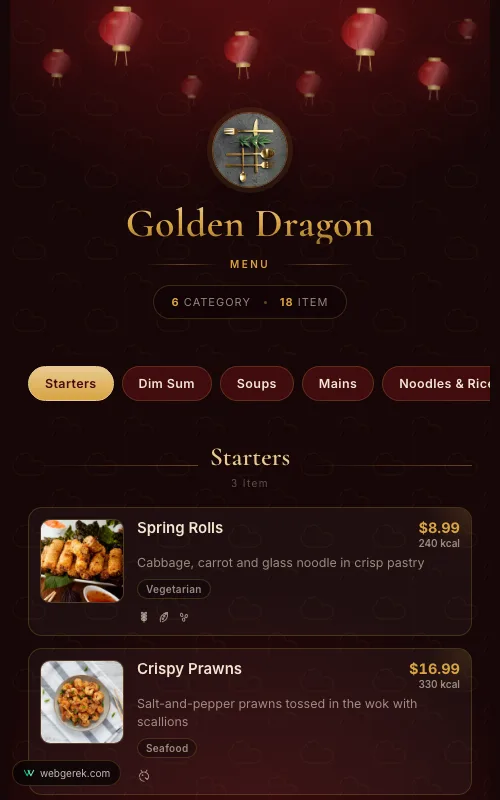
Lantern
Lacquer-red and gold menu under drifting paper lanterns — for Chinese, far-eastern and pan-Asian restaurants
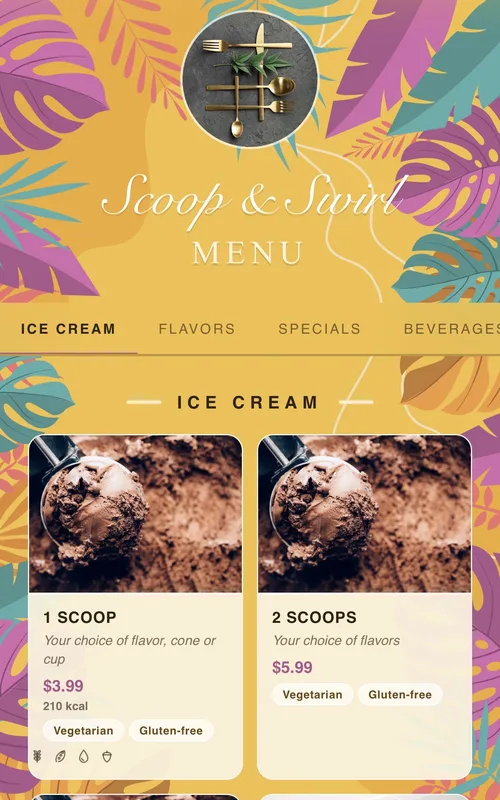
Tropical
Sunny summer-themed menu framed by tropical leaves and flowers — for cocktail bars, beach venues and summer cafés
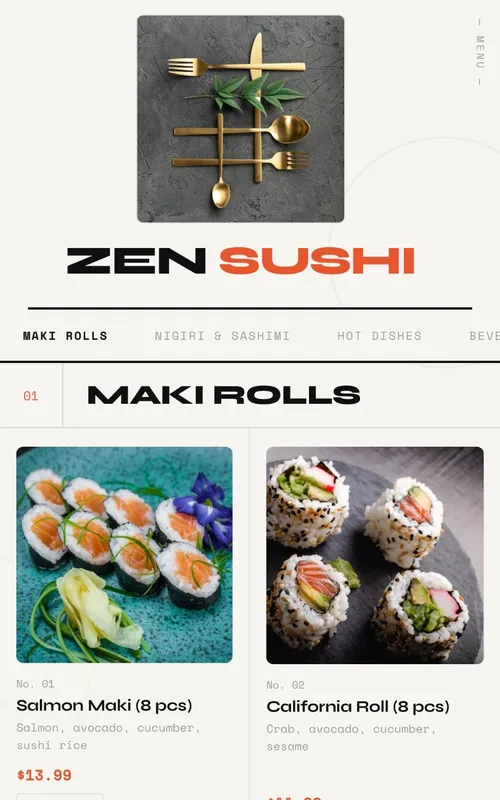
Swiss
Modern menu design with geometric grid layout, bold typography and animations
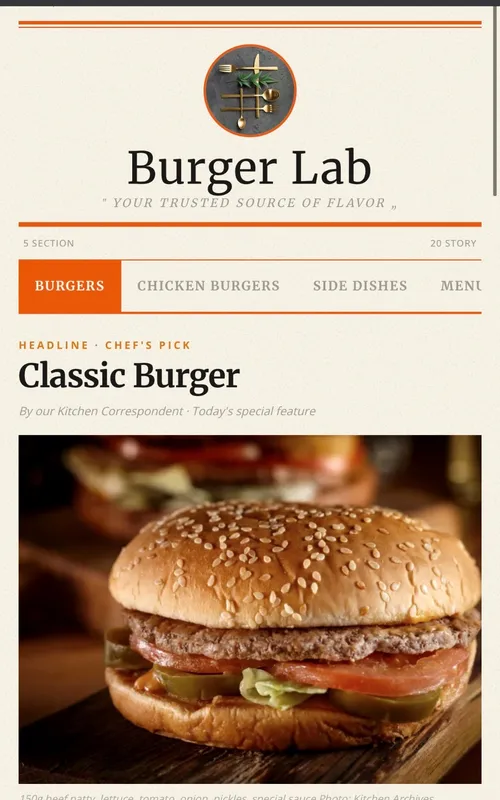
Newspaper
Newspaper-themed creative digital menu — dishes presented as headlines, columns, and news
Frequently Asked Questions
Do guests need to download an app to scan a QR code menu?
What happens to the printed code when I change my menu?
Does a QR code menu work without internet in the restaurant?
Can I keep some printed menus as well?
Related Pages
Free QR Code Menu
What "free" actually covers across US vendors, and where the catch usually is.
QR Menu Maker
The build itself: structuring categories, shooting dish photos, printing the code.
Digital Menu
QR is one format among several. Which one fits your room.
Restaurant QR Menu
Full-service specifics — menu engineering, service pacing, wine lists.
Your Menu, Live in 10 Minutes
Start on the free plan. No credit card, and no per-table or per-scan fees.
150+ restaurants, cafés and bars on Web Gerek