QR Menu Maker
QR Menu Maker
Building the menu takes about ten minutes. Building one that reads well on a phone in a dim room takes a few decisions you make before you start typing — mostly about how many categories you have and how long your item descriptions are.
This is the sequence, in order, including the two steps almost everyone skips and regrets.
150+ restaurants, cafés and bars on Web Gerek
The Build, Step by Step
Decide your categories before you type anything
This is the only decision that is painful to reverse. Aim for five to eight top-level categories. A phone shows category tabs in a horizontal strip, and past about eight the strip starts scrolling sideways — guests then miss whatever sits off-screen. If you have twelve, look for two that merge honestly rather than shipping a strip nobody reaches the end of.
Enter items with prices, shortest description that earns its place
Two lines maximum on a phone. Descriptions exist to sell the dish or to disclose something material — an unexpected heat level, an allergen, a portion size that surprises people. A description that just restates the dish name in longer words is dead weight the guest scrolls past.
Add photos to the dishes that sell, not to everything
A menu where every single item has a photo reads like a catalogue and scrolls forever. Photograph your signature items, the high-margin ones, and anything whose name does not explain it. Shoot in daylight near a window, from slightly above, with the plate filling the frame — a modern phone camera is entirely adequate.
Fill in the fields you are not legally required to fill in
Calories, ingredients, dietary labels and allergen marks are optional for most US independents. They are also the single most-appreciated thing on a digital menu by the guests who need them, and the cheapest liability reduction available to you. Do it once at build time; it is tedious to retrofit.
Add your address, hours and phone
The menu is a public web page. Putting your location and hours on it means the page can answer “are they open and where are they” as well as “what do they serve”, which is most of what a hungry person on a phone is actually asking.
Download the code and print exactly ten
Not two hundred. Ten proofs, placed at the real tables, tested with the oldest phone on the premises, at the worst-lit table in the room, at the time of day the room is busiest. Then order the full run.
Structure Is What You Are Really Building
Same builder, three designs. Notice how the category strip behaves when there are five tabs instead of twelve.
Swiss
Open full screen →Tropical
Open full screen →Modifiers, Sold-Out Items, and the Two Things Menus Get Wrong
Two operational realities break more digital menus than any design decision: options that change the price, and items that run out mid-service.
On options — a coffee with three sizes, a steak with two cuts — resist creating a separate item per variant. Three sizes across a dozen drinks is thirty-six items and a menu nobody can scan visually. Put the variants in the item description with their prices, or split only where the difference is genuinely a different dish rather than a different size of the same one.
On sold-out items, the advantage of a digital menu is that you can act. When the special runs out at eight, hide the item. It takes ten seconds on a phone from the pass, and it removes the conversation where a server explains four times an hour that the thing on the menu is gone. This is the single most-underused feature of any digital menu, and it is the one that most changes how a shift actually feels.
The third thing worth planning: who edits it. Give the person who runs service the ability to hide items, not just the owner who is off on Tuesdays. A menu only stays accurate if the people watching the pass can change it.
Before You Print: A Launch Checklist
Almost every bad QR menu launch traces back to skipping one of these. They cost about twenty minutes in total.
Scan from the worst table
The dim corner booth, the outdoor seat in direct sun, the table under the pendant lamp that reflects off gloss laminate. If it scans there, it scans everywhere.
Use an old phone
Your newest handset is not the test. Borrow a four-year-old Android with a scratched lens — that is closer to the median guest device than an iPhone bought last month.
Read your own menu on a phone, all the way down
Not on your laptop. Scroll every category on a phone at arm’s length. Long descriptions and over-photographed sections announce themselves immediately in that view and nowhere else.
Check the prices against the till
Menu build is a retype, and retypes carry typos. A wrong price on a printed menu is embarrassing; on a live page a guest may screenshot it before you fix it.
Decide who can edit, and tell them
Before launch, not the first time the salmon runs out at seven on a Saturday.
Print ten, live with them a week
The full run can wait seven days. Table cards reveal placement problems that no amount of planning does.
Designs
11 QR Menu Designs
All of them are included on the free plan. Switch designs later in one click — your categories, items and photos carry over untouched.
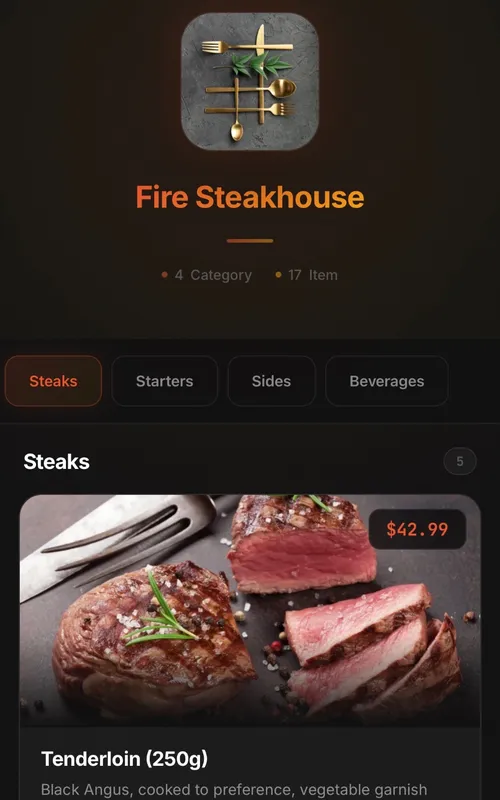
Classic
Digital QR menu for restaurants and cafes
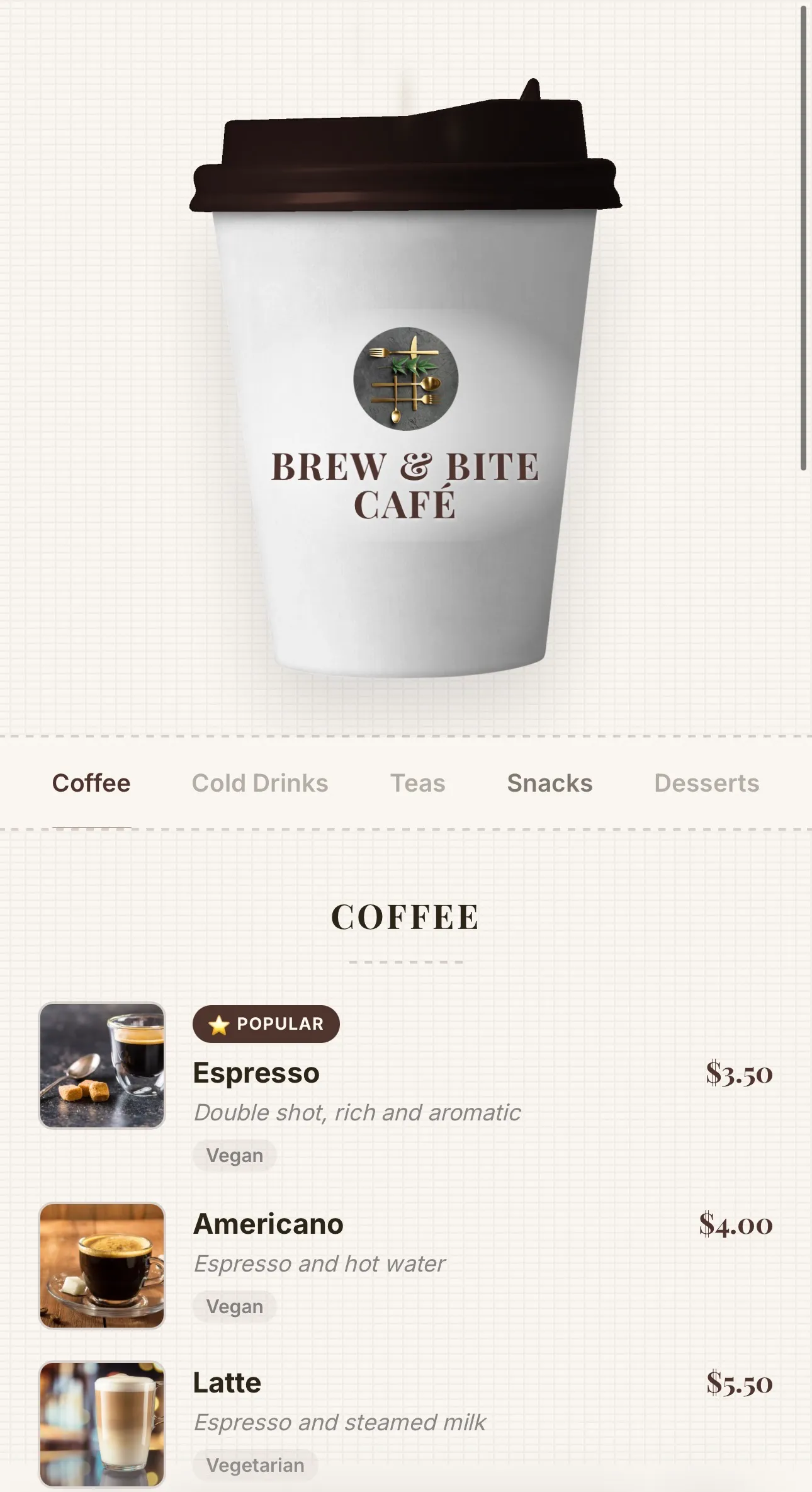
Coffee
Coffee-cup menu for cafés — lid recolours to your theme, café name printed on the cup, and rising steam
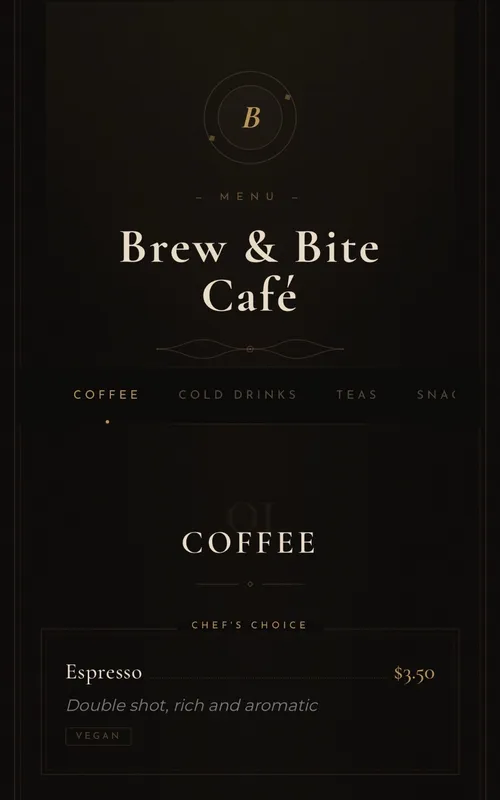
Luxury
Elegant typography-based menu for fine-dining restaurants
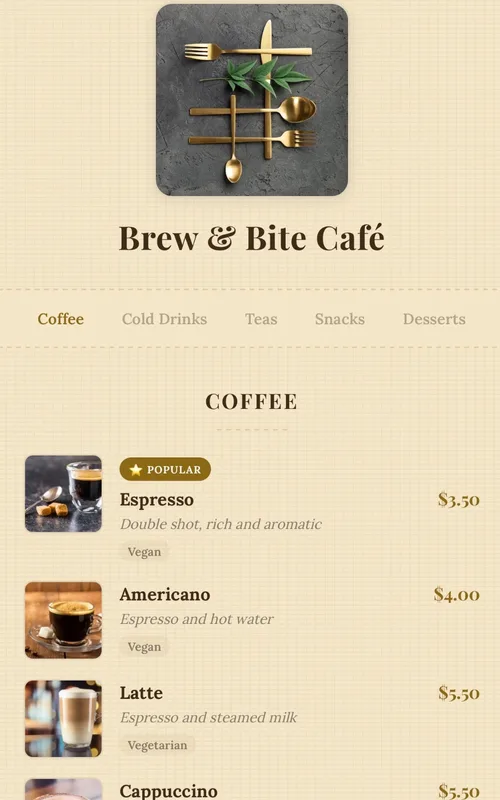
Kraft
Handcrafted paper-textured artisan menu — warm tones, serif typography and dotted price leaders
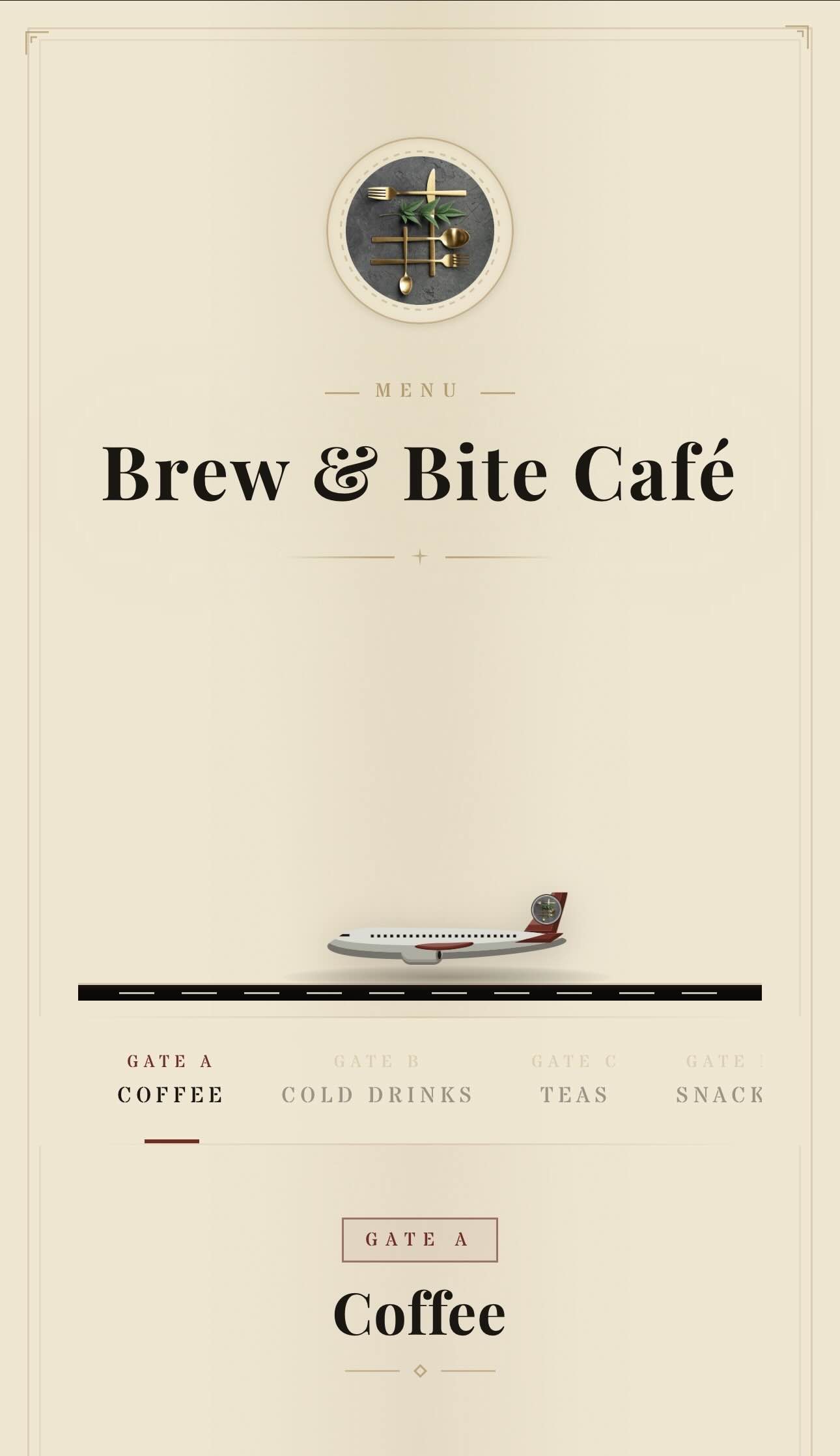
Aviation
Vintage aviation-themed QR menu — animated planes, runway and brass details
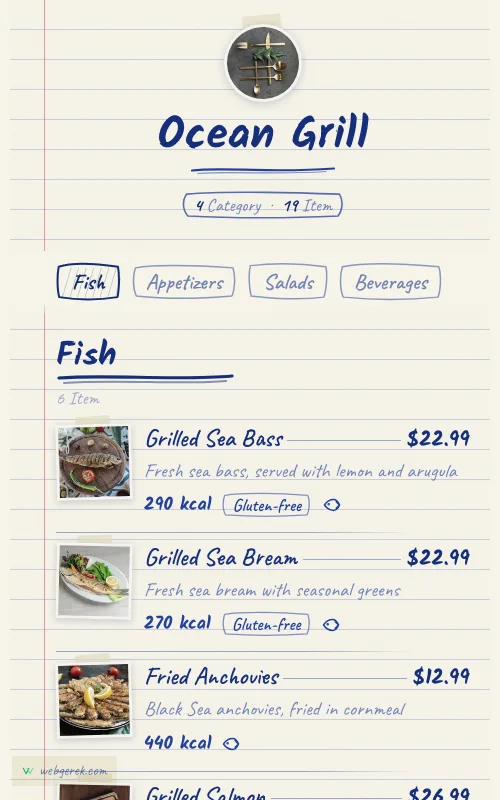
Ballpoint
Handwritten menu in blue biro on ruled notebook paper — course headings in a thicker pen, photos taped to the page
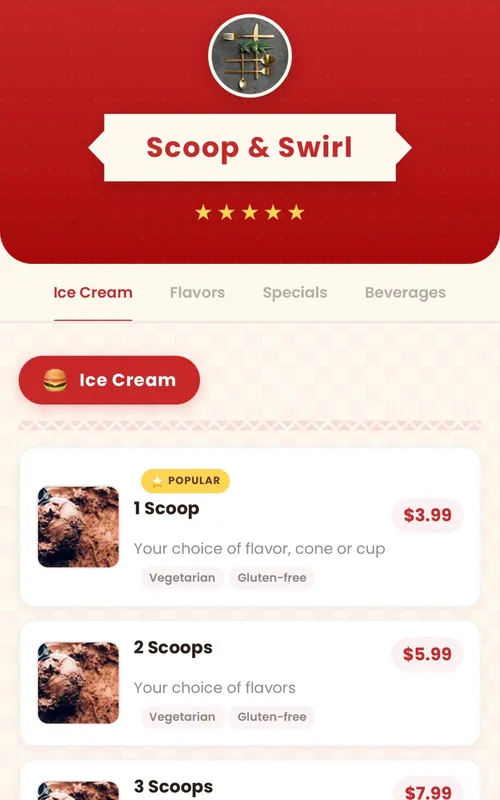
Retro
Fun retro diner-themed digital menu — checkered patterns, ribbon banners and colorful category badges
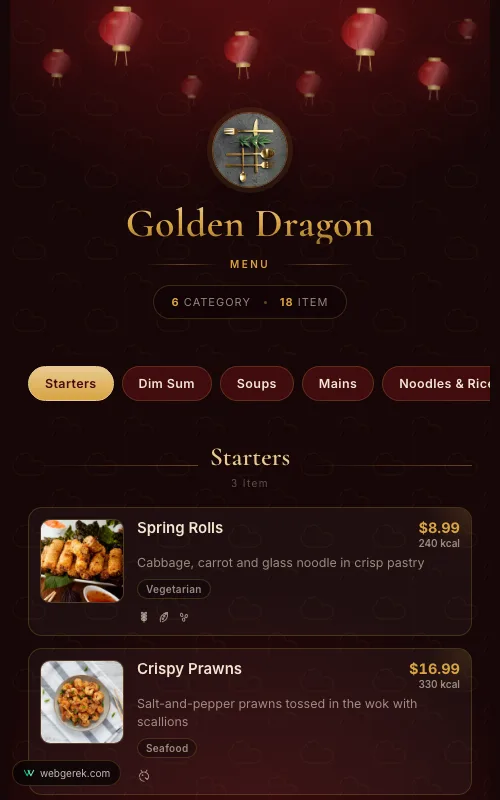
Lantern
Lacquer-red and gold menu under drifting paper lanterns — for Chinese, far-eastern and pan-Asian restaurants
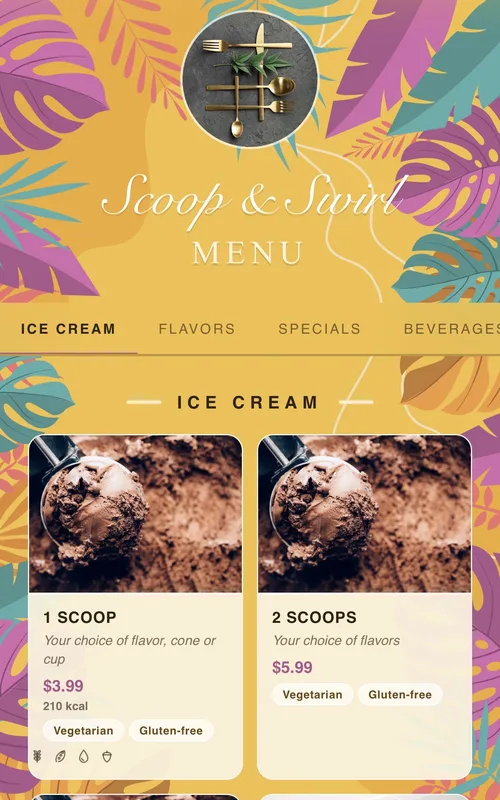
Tropical
Sunny summer-themed menu framed by tropical leaves and flowers — for cocktail bars, beach venues and summer cafés
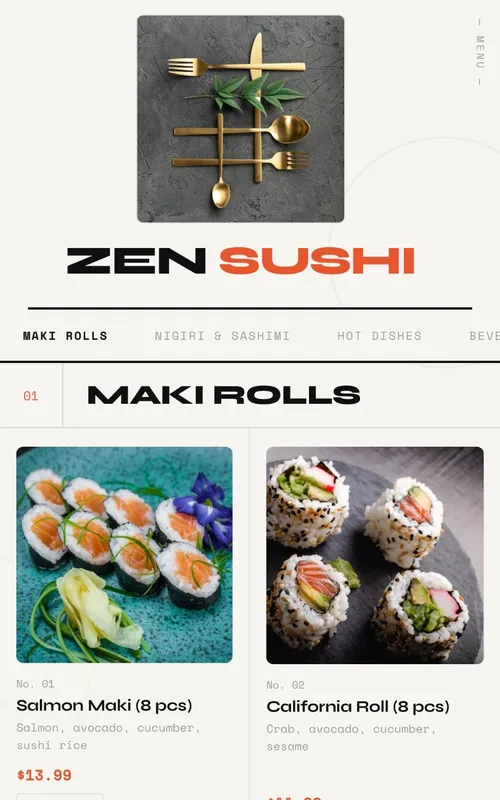
Swiss
Modern menu design with geometric grid layout, bold typography and animations
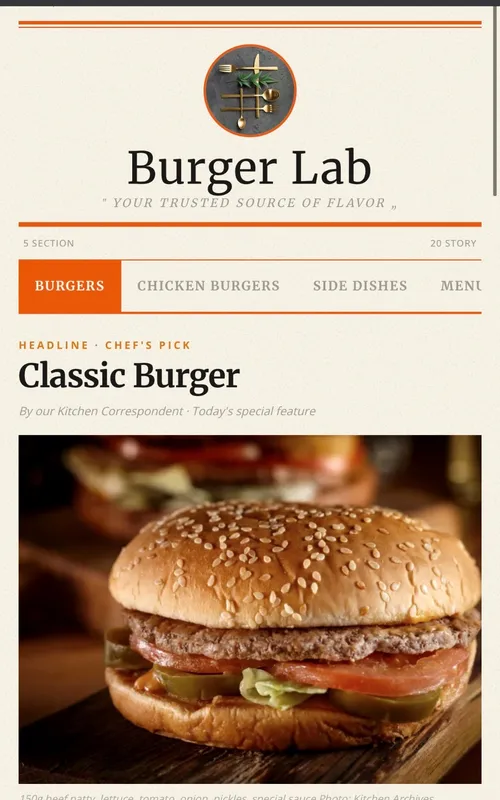
Newspaper
Newspaper-themed creative digital menu — dishes presented as headlines, columns, and news
Frequently Asked Questions
How long does it actually take to build a menu?
Can I import my existing menu instead of retyping it?
How many categories is too many?
Can I change the design after I have built the menu?
Related Pages
Your Menu, Live in 10 Minutes
Start on the free plan. No credit card, and no per-table or per-scan fees.
150+ restaurants, cafés and bars on Web Gerek