QR Menu System
QR Menu System
Three quite different products are sold under this phrase: a code generator that hands you an image, a menu system that hosts and manages your menu, and an order-and-pay platform that takes money from the table. They differ by an order of magnitude in price and in what they ask of your staff.
We build the middle one. This page explains all three so you can tell which you are being quoted for.
150+ restaurants, cafés and bars on Web Gerek
Generator, System, Platform — Telling Them Apart
A code generator produces a QR image pointing at a URL you supply. It does not host anything and it has no idea what a menu is. If the destination is a PDF on your website, the generator has done its whole job and every problem with that PDF remains yours. Generators are usually free, because they are trivial.
An order-and-pay platform is at the other end. Guests build a cart at the table, pay from their phone, and the order lands in the kitchen. This changes your service model, your staffing and your reconciliation, and it is priced accordingly — usually per location or as a share of the check, because the vendor is moving your money.
A menu system sits between them and is what most venues actually need. It stores your menu as structured content — categories, items, prices, photos, translations, allergens — renders it as a mobile page, and gives you a dynamic code pointing at it. Guests read; servers still take the order.
Web Gerek is the middle one, and we would rather say so on this page than in a support conversation. If you want guests ordering and paying from the table, we are not the product; buy a platform. If what you want is a menu that is always current, always legible on a phone, and findable on Google, that is the category this page is about.
| Code generator | Menu system | Order & pay platform | |
|---|---|---|---|
| Hosts your menu | No | Yes | Yes |
| Edit prices without reprinting | Only if the code is dynamic | Yes | Yes |
| Structured items, photos, allergens | No | Yes | Yes |
| Multi-language | No | Yes | Usually |
| Guests place orders | No | No | Yes |
| Takes payment | No | No | Yes |
| Typical pricing | Free | Flat subscription | Per location or per check |
One Menu, Many Surfaces
The same content behind the same code, rendered in whichever design you choose. Content and presentation are stored separately — that separation is most of what makes it a system.
Swiss
Open full screen →Kraft
Open full screen →What a Menu System Actually Has to Do Well
The feature lists in this category are nearly identical, which makes them useless for choosing. These are the things that separate a system you are still happy with in year two from one you fight.
Content stored separately from design
If switching layouts means rebuilding the menu, you will never switch, and you are locked into a design decision made in your first week.
Hide an item in one tap, from a phone
The salmon runs out at eight on a Saturday and the person who notices is at the pass, not at a desk. If hiding an item takes a laptop, it will not happen.
Languages as variants, not as separate menus
Duplicate menus per language drift within a month — the English one gets the new price and the Spanish one does not. One item with translated fields cannot drift.
A dynamic code you never reprint
The whole economic argument collapses without this. Verify it by changing something and rescanning a printed proof.
A menu that is a real web page
Indexable, linkable, and usable by a screen reader. This is what makes the menu an asset rather than a document.
More than one menu when you need it
Brunch versus dinner, a bar list versus a food list, a second location. Capacity you can grow into without changing vendor.
When One Menu Stops Being Enough
Most venues start with a single published menu and that is genuinely all they ever need. Three situations change that, and it is worth knowing which one you are heading towards before you choose a vendor.
The first is service periods. A venue running brunch and dinner from meaningfully different lists is better served by two menus than by one long one with half its content irrelevant at any given moment. Two codes, two cards, or one card with both.
The second is a second location. If the menus differ — different specials, different prices, different licences — they are genuinely separate menus and you want them managed as such rather than as one compromise document.
The third is measurement. Once a menu is generating real traffic, knowing which categories guests actually open, and on what devices, starts to inform how you order the menu. That is what the analytics on the paid tiers are for, and it is honestly not worth paying for until you have enough scans for the numbers to mean anything.
Our free plan publishes one menu with two drafts, which covers the first case if you are willing to swap which one is live. Beyond that the paid tiers go from two published menus up to fifty on the Agency plan, for groups and for agencies running menus on behalf of clients.
Designs
11 QR Menu Designs
All of them are included on the free plan. Switch designs later in one click — your categories, items and photos carry over untouched.
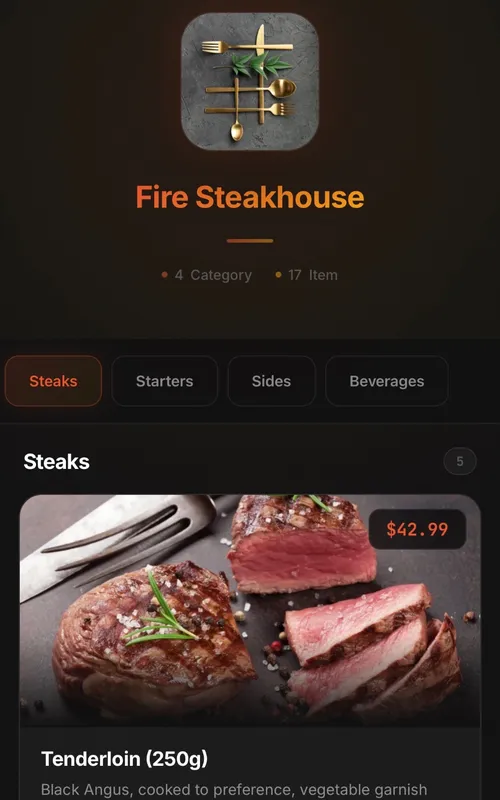
Classic
Digital QR menu for restaurants and cafes
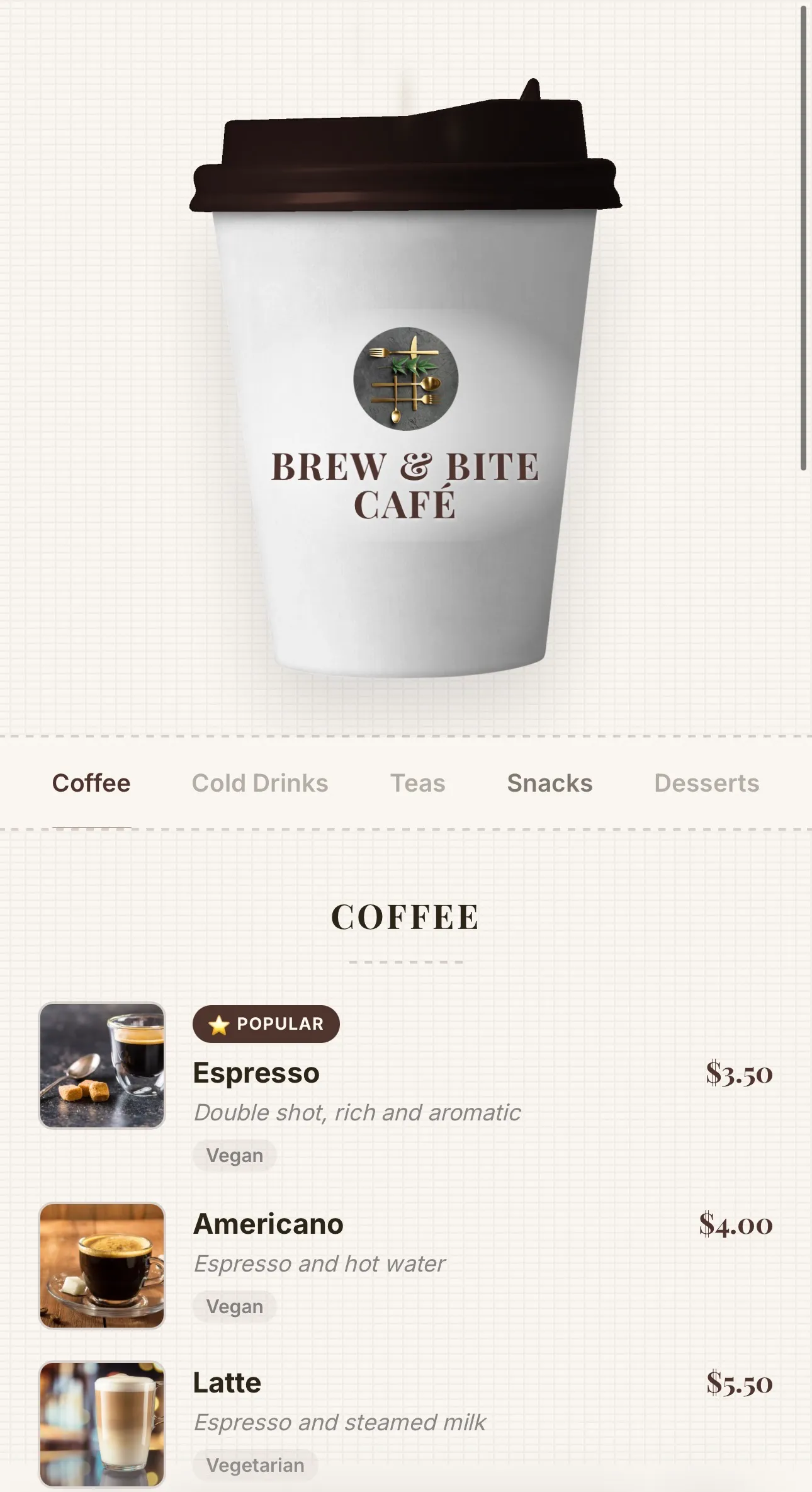
Coffee
Coffee-cup menu for cafés — lid recolours to your theme, café name printed on the cup, and rising steam
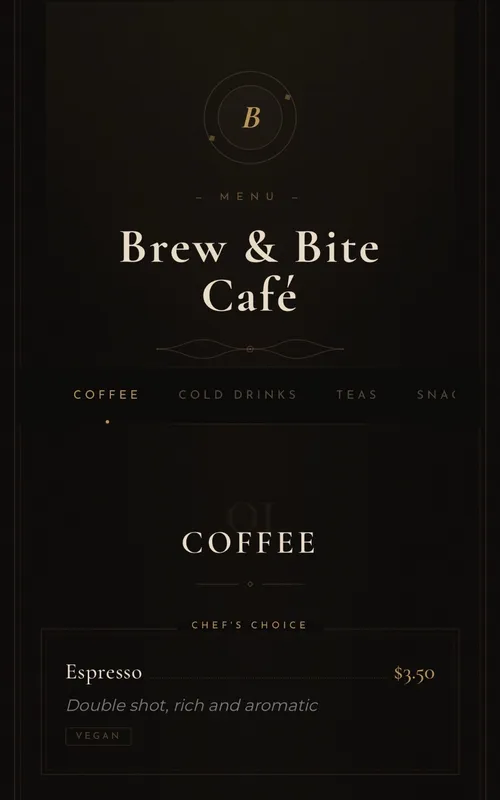
Luxury
Elegant typography-based menu for fine-dining restaurants
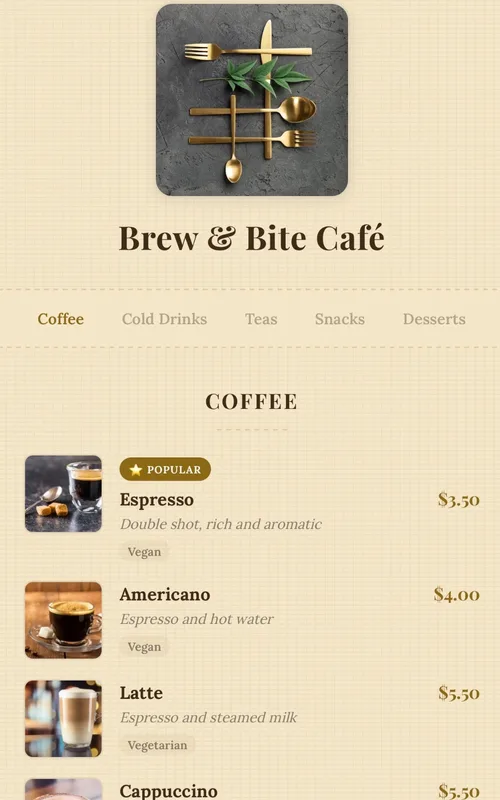
Kraft
Handcrafted paper-textured artisan menu — warm tones, serif typography and dotted price leaders
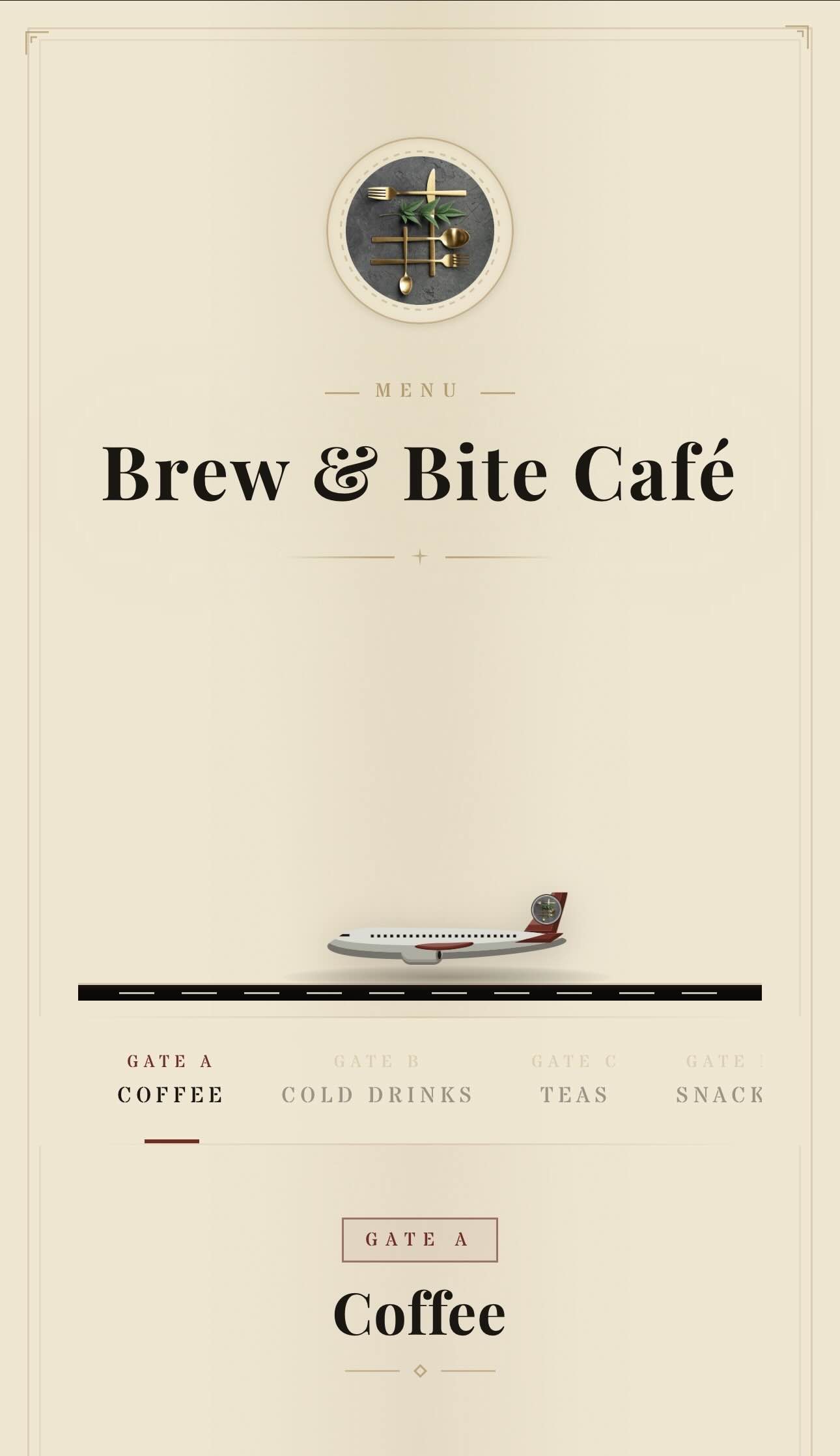
Aviation
Vintage aviation-themed QR menu — animated planes, runway and brass details
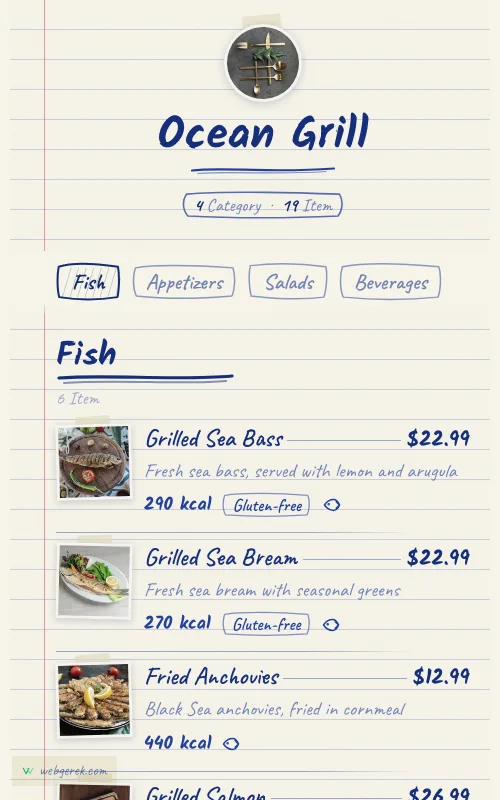
Ballpoint
Handwritten menu in blue biro on ruled notebook paper — course headings in a thicker pen, photos taped to the page
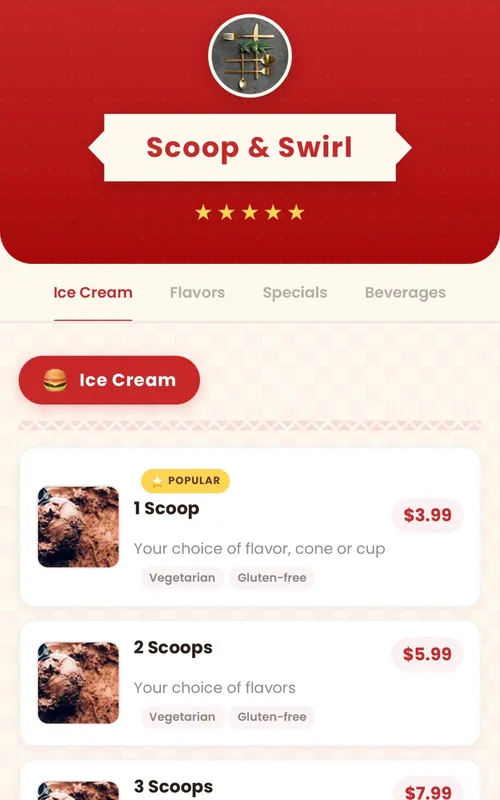
Retro
Fun retro diner-themed digital menu — checkered patterns, ribbon banners and colorful category badges
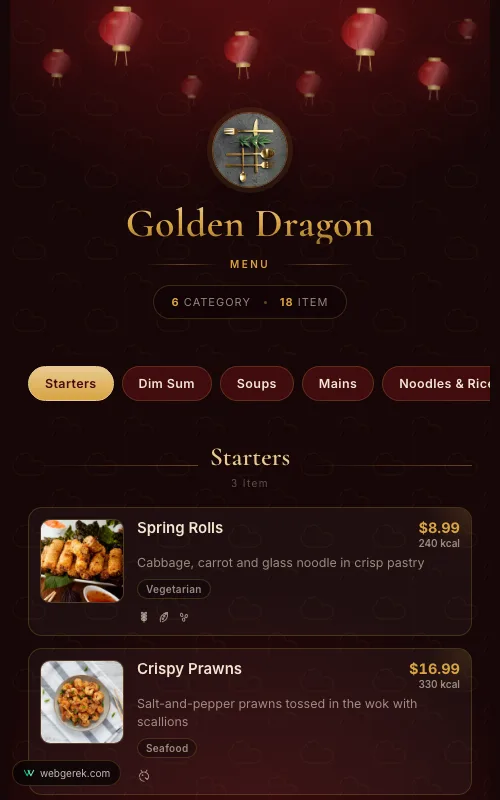
Lantern
Lacquer-red and gold menu under drifting paper lanterns — for Chinese, far-eastern and pan-Asian restaurants
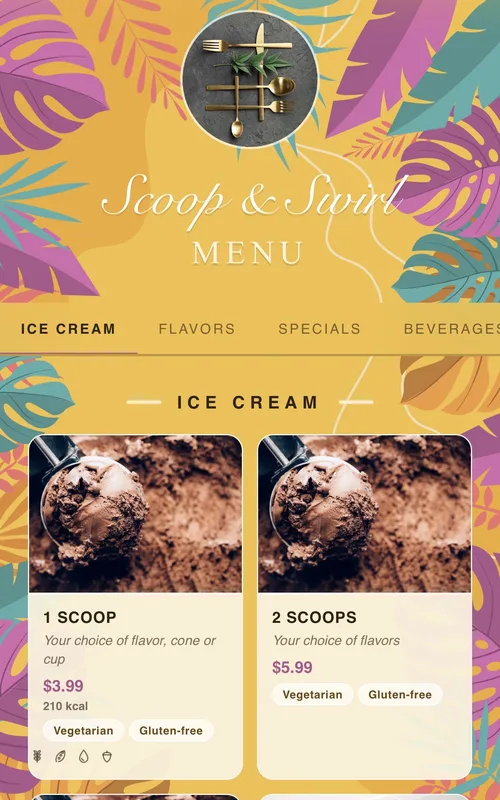
Tropical
Sunny summer-themed menu framed by tropical leaves and flowers — for cocktail bars, beach venues and summer cafés
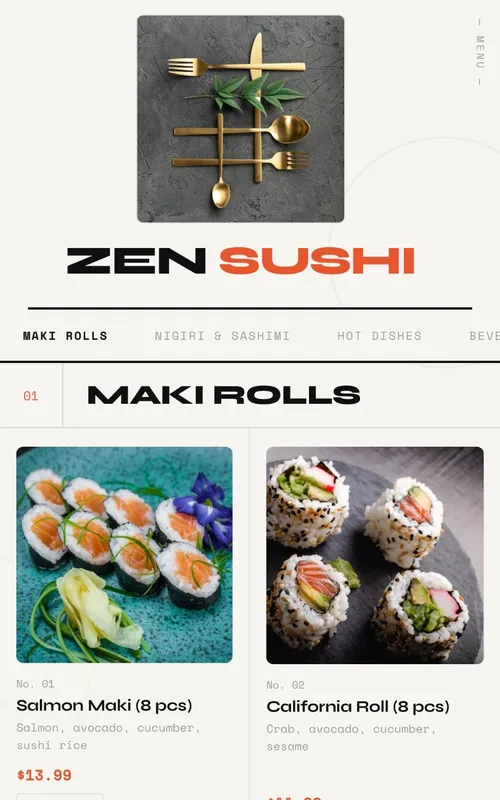
Swiss
Modern menu design with geometric grid layout, bold typography and animations
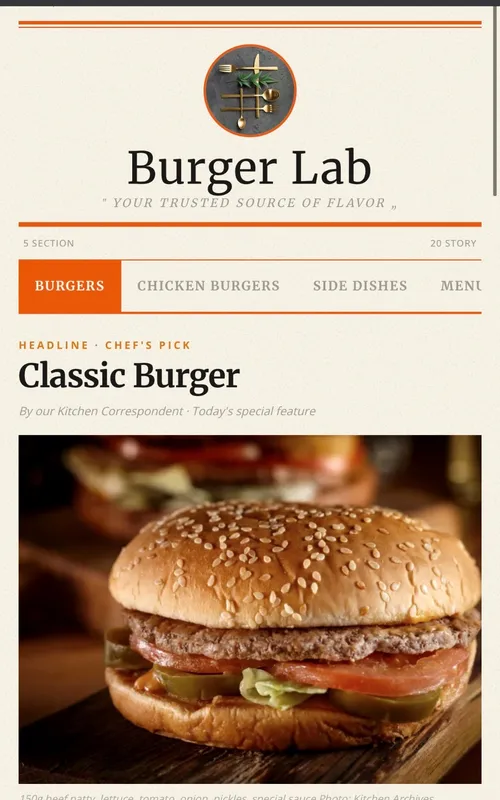
Newspaper
Newspaper-themed creative digital menu — dishes presented as headlines, columns, and news
Frequently Asked Questions
Can guests order and pay from a Web Gerek menu?
Does it integrate with my POS?
How is this different from your blog’s QR menu system guide?
Can I run more than one venue from one account?
Related Pages
Guide: What Is a QR Menu System?
The vendor-neutral explainer. Read this first if you are still scoping.
QR Menu Pricing
The four pricing models and what each costs at scale.
Hotel QR Menu
The clearest multi-menu case: room service, breakfast, bar, poolside.
QR Menu Maker
The build sequence once you have chosen.
Your Menu, Live in 10 Minutes
Start on the free plan. No credit card, and no per-table or per-scan fees.
150+ restaurants, cafés and bars on Web Gerek